> ## Documentation Index
> Fetch the complete documentation index at: https://docs.seer.pm/llms.txt
> Use this file to discover all available pages before exploring further.
# Wallet and network
### Install a wallet
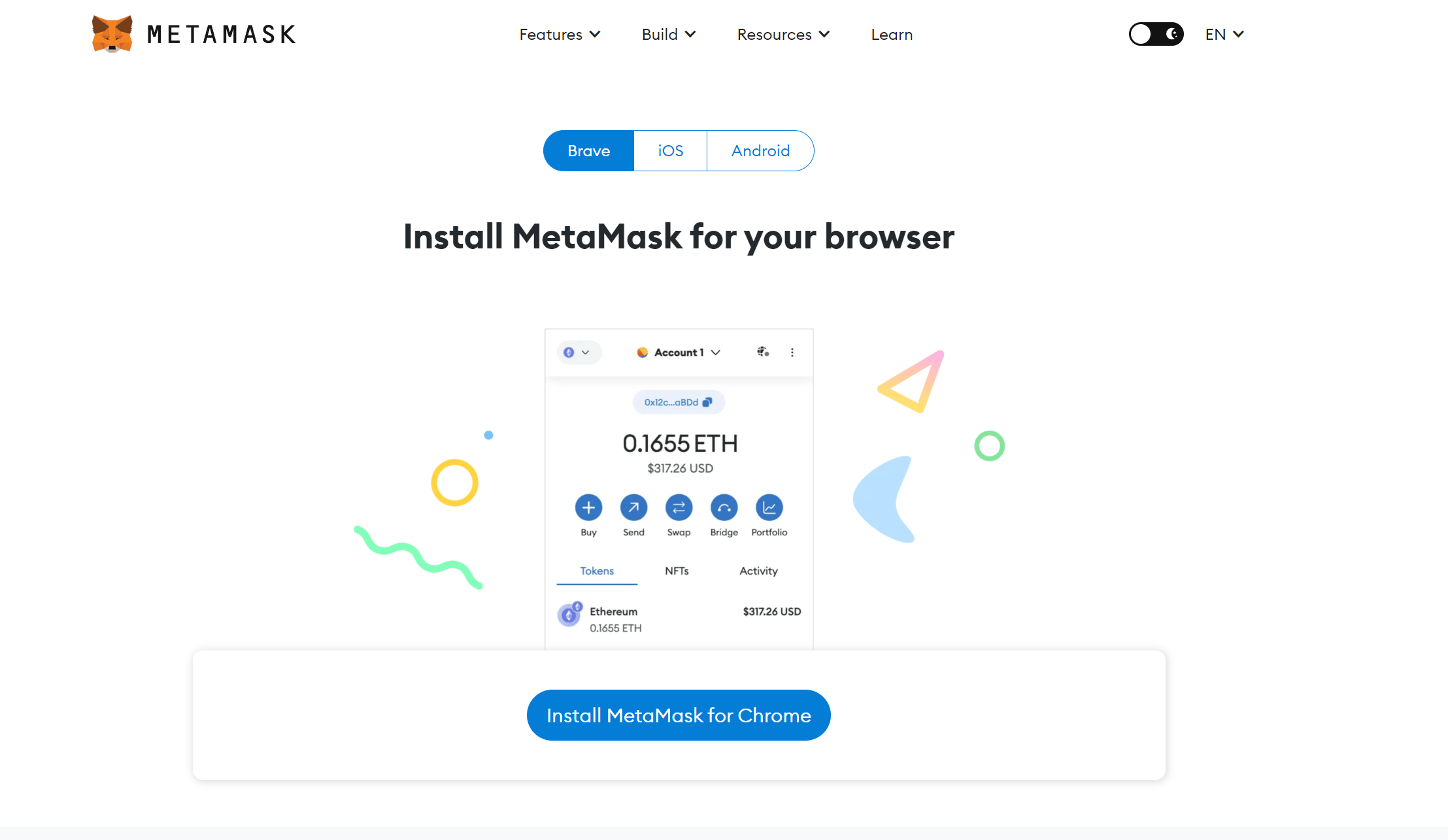
To interact with Seer, you need to install a crypto wallet. Metamask is a widely used one. Head to [https://metamask.io/download/](https://metamask.io/download/) to download and install it.
 ### **Connect your wallet to Seer**
On the right side of the navigation bar, you can see a **Connect** button. Click it to connect your wallet to Seer. In addition to Metamask, you can use other wallets of your choice.
### **Connect your wallet to Seer**
On the right side of the navigation bar, you can see a **Connect** button. Click it to connect your wallet to Seer. In addition to Metamask, you can use other wallets of your choice.

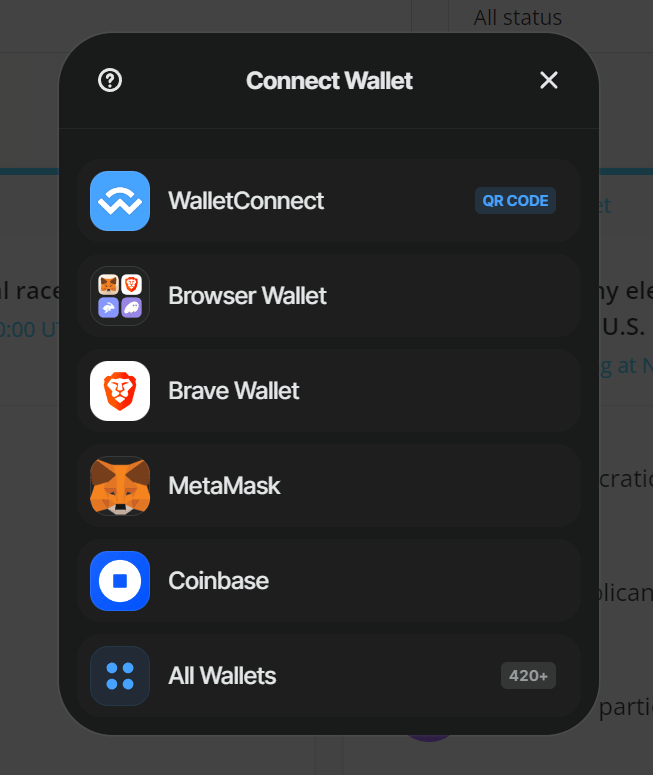 After you have connected, the **Connect** button will be replaced by a button showing the current network and your wallet address.
 ### Switch network
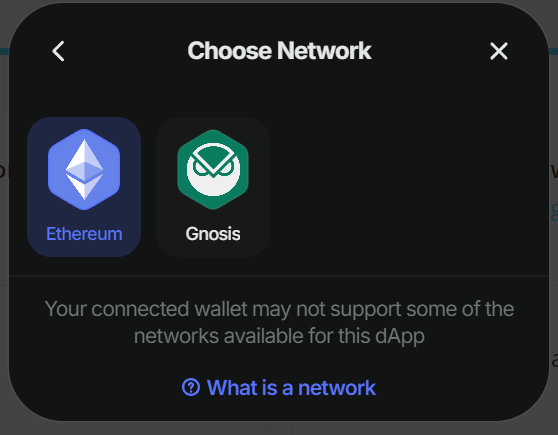
Users can choose to interact with Seer on either [Ethereum Mainnet](https://etherscan.io/) or [Gnosis](https://gnosisscan.io/). Each network features its own set of prediction markets and utilizes different tokens.
To switch to a different network, click on the network icon.
### Switch network
Users can choose to interact with Seer on either [Ethereum Mainnet](https://etherscan.io/) or [Gnosis](https://gnosisscan.io/). Each network features its own set of prediction markets and utilizes different tokens.
To switch to a different network, click on the network icon.

 This documentation is built and hosted on [Mintlify](https://mintlify.com), a developer documentation platform.