> ## Documentation Index
> Fetch the complete documentation index at: https://docs.seer.pm/llms.txt
> Use this file to discover all available pages before exploring further.
# Create a market
Markets created on Seer must adhere to specific guidelines to ensure clarity and safety for all users. Before creating your market, please read the [Verified Markets Policy](https://cdn.kleros.link/ipfs/QmfGcodBzG53DBxS2Uxu5jug9YiHUpJ5tKFqhP6Z2HjscU/Seer%20-%20Verified%20Markets.pdf) and [Market Resolution Policy](https://cdn.kleros.link/ipfs/QmW6npv4J3jvF87WVCEaQQ6f2PK1T9ytX2eYg86XkT9ScK/Seer%20-%20Markets%20Policy.pdf).
On the home page, click **Create a market**.
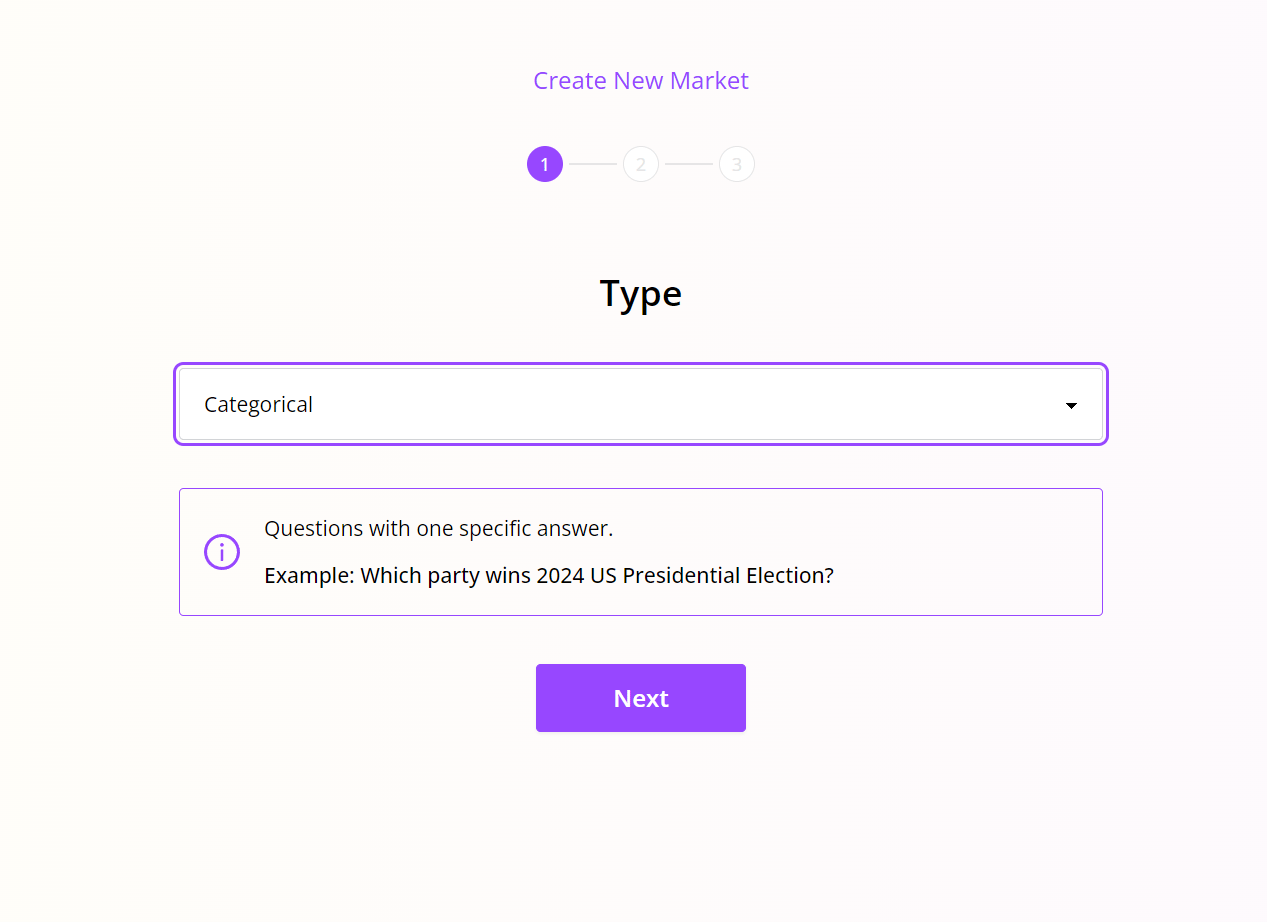
 1. **Select a market type:**
 2. **Input the question and outcomes:**
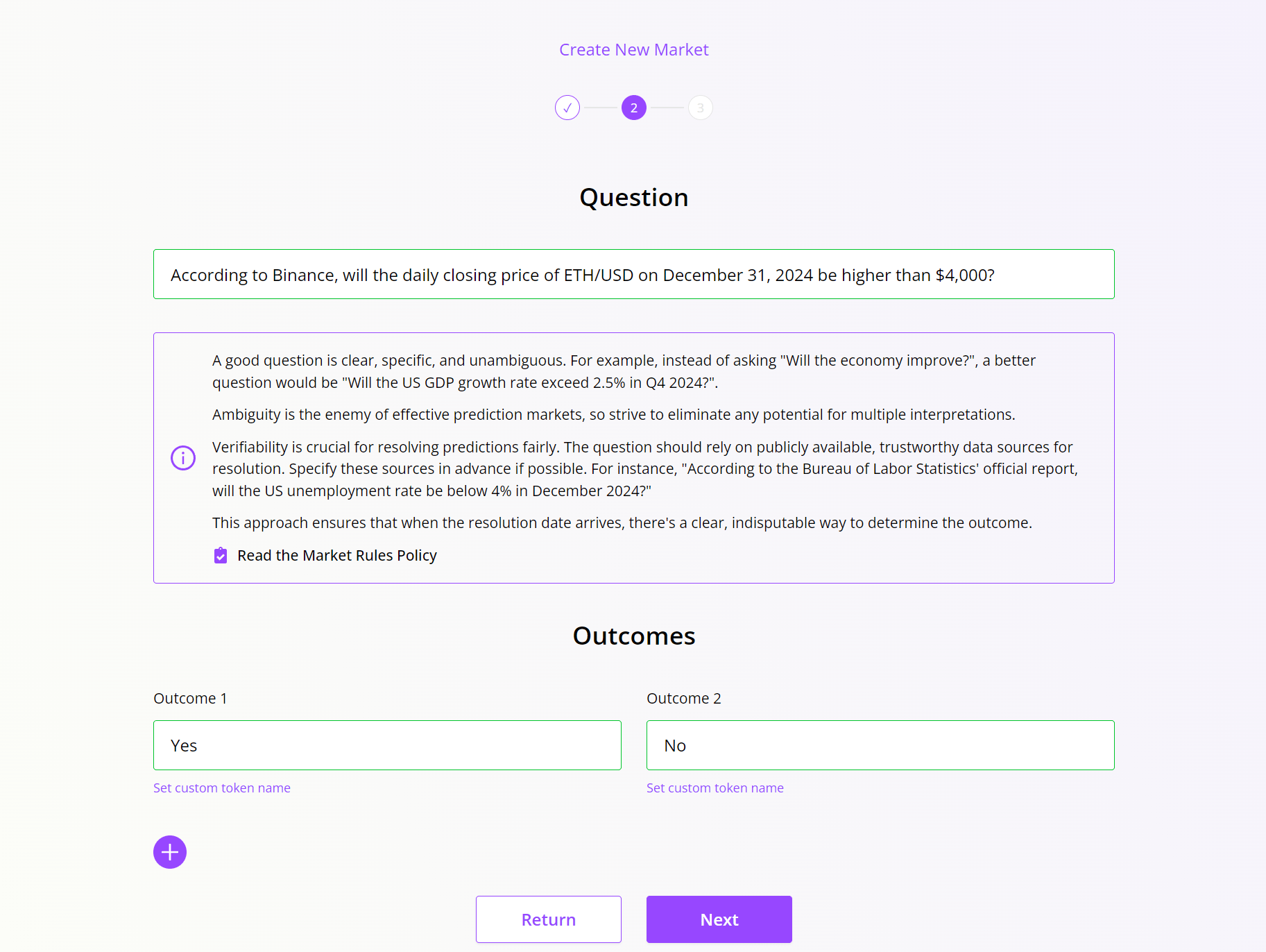 In the case of **multi-scalar market**, question name should follow a specific format. Since each outcome have its own question, you should place the outcome type in brackets to replace the outcome value in the question.\
For example: How many electoral votes will the **\[party name]** win in the 2024 U.S. Presidential Election?
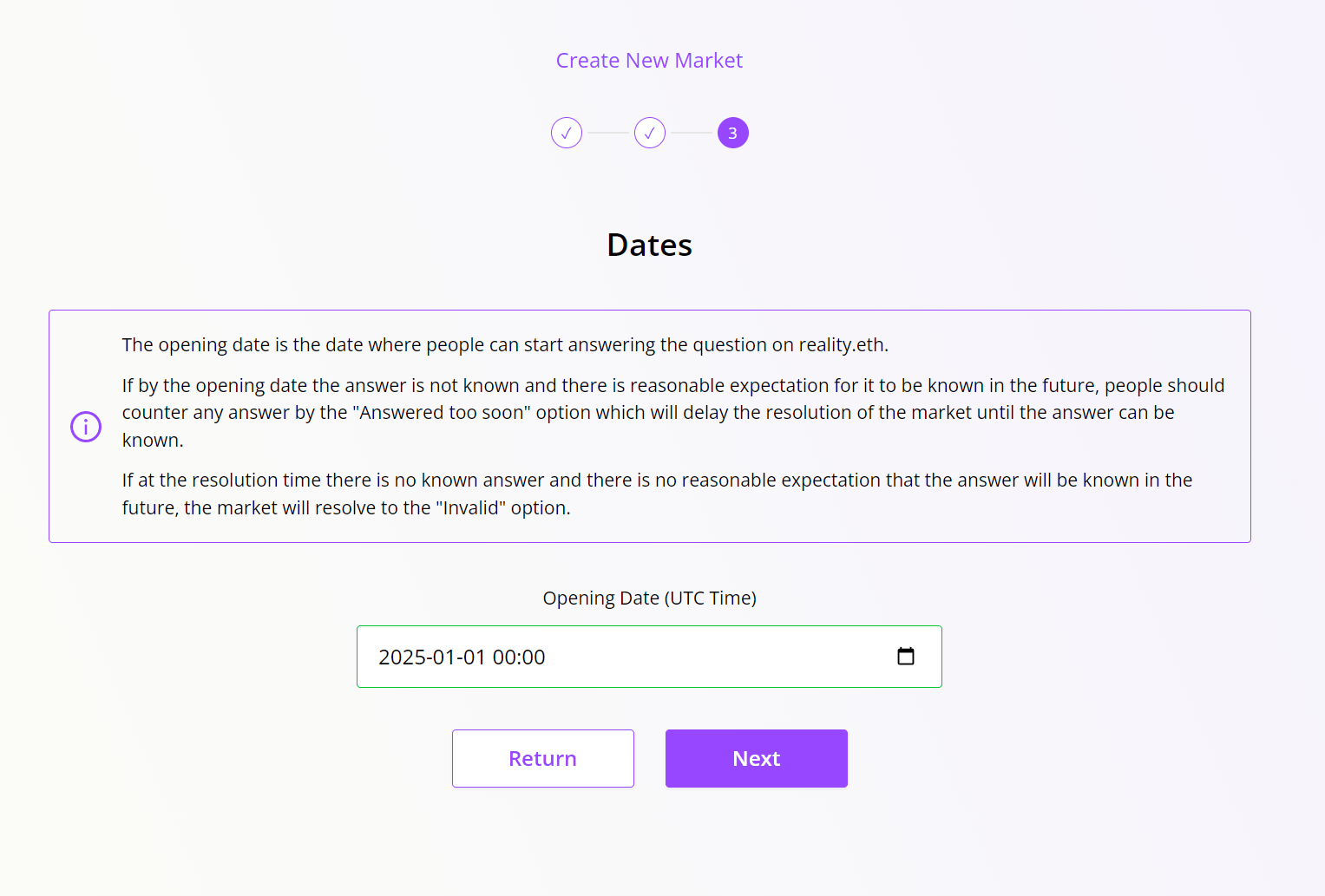
3. **Specifying an opening date. The market can only be resolved after the opening date:**
In the case of **multi-scalar market**, question name should follow a specific format. Since each outcome have its own question, you should place the outcome type in brackets to replace the outcome value in the question.\
For example: How many electoral votes will the **\[party name]** win in the 2024 U.S. Presidential Election?
3. **Specifying an opening date. The market can only be resolved after the opening date:**
 4. **Preview the market:**
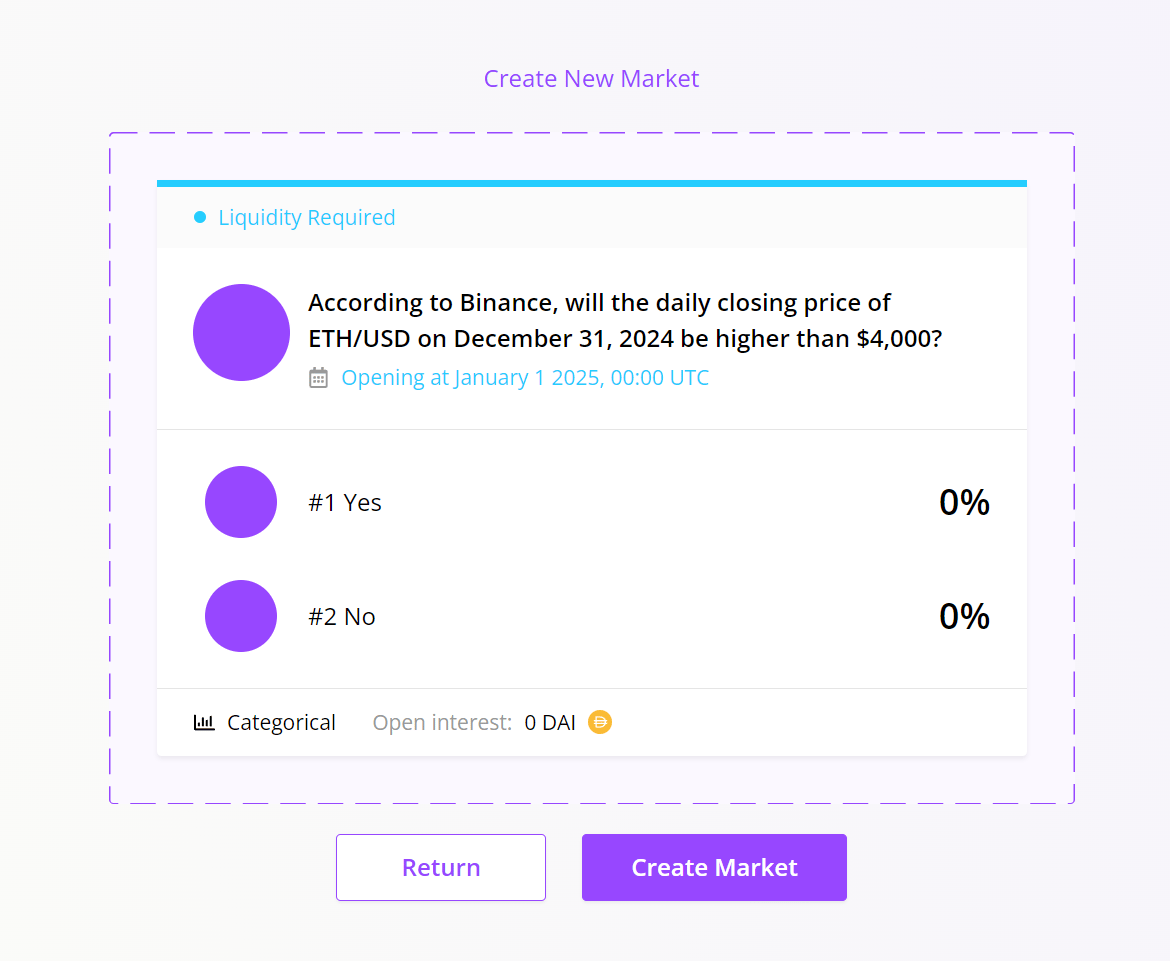 After previewing, click **Create Market**.
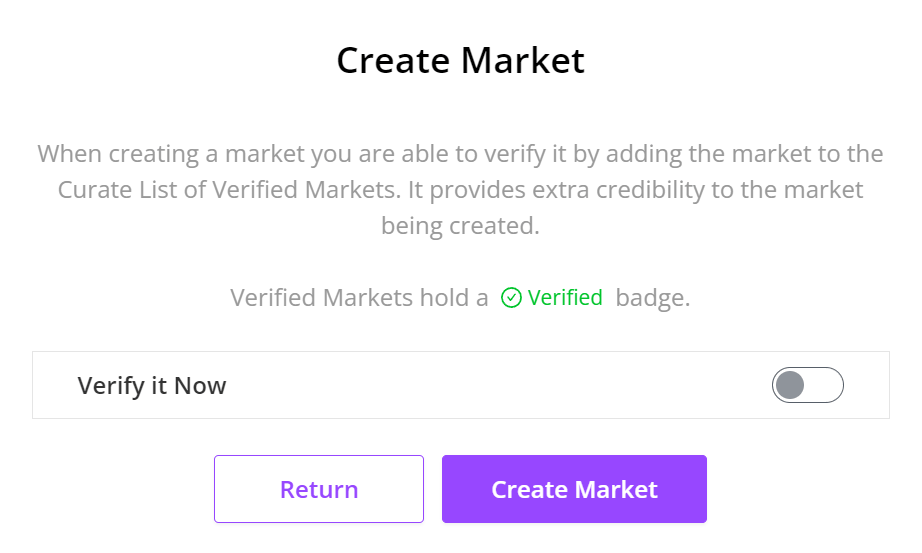
You can verify the market during creation by clicking the switch button in the **Verify it Now** row. If you prefer, you can also complete the verification later.
After previewing, click **Create Market**.
You can verify the market during creation by clicking the switch button in the **Verify it Now** row. If you prefer, you can also complete the verification later.
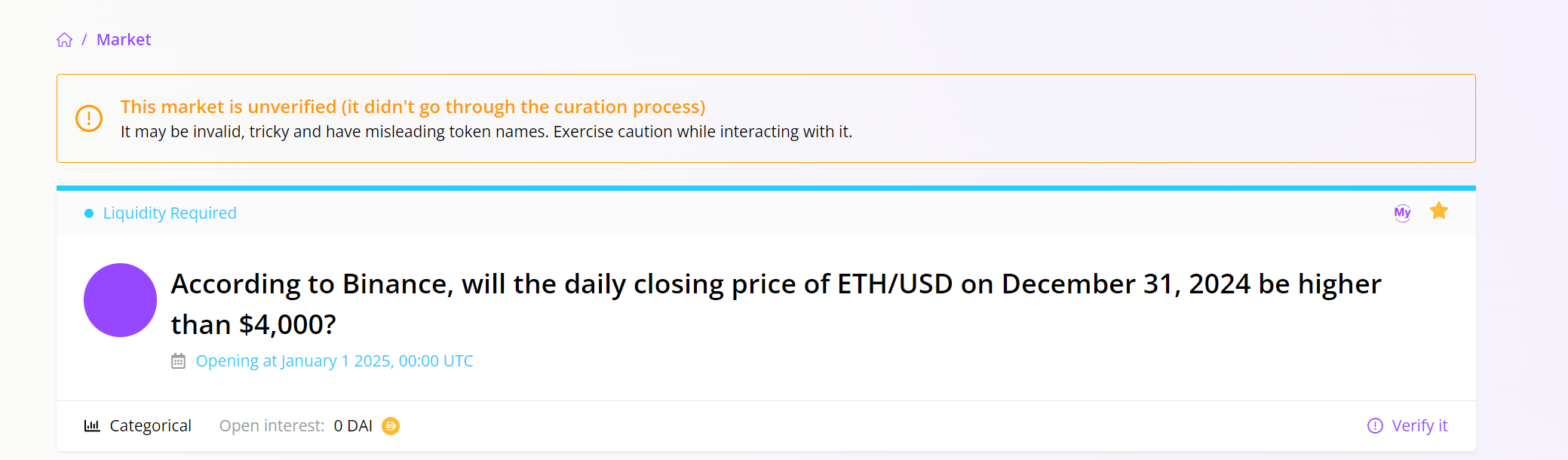
 Unverified market will display a warning. Please refer to the next section to learn how to verify a market.
 This documentation is built and hosted on [Mintlify](https://mintlify.com), a developer documentation platform.